Cool tools

A visual Social Media Strategy: Show, Don’t Tell

by David Lee King on September 4, 2012

face2face at inc.comMy new book, Face2face: Using Facebook, Twitter, and other Social Media Tools to Create Great Customer Connections, was just mentioned in this Inc.com article - Better Social Media Strategy: Show, Don’t Tell. Sweet!

In the article (sort of an author interview type article), I provide five tips on communicating with your organization’s customers using visual social media tools like Pinterest, Facebook photos, and Instagram.

Here are my five tips to create great visual communication that are mentioned in the article:

  1. Show your stuff
  2. Show your staff
  3. Get close
  4. Great lighting is key
  5. Make your photos helpful to customers

Each point is explained in more detail at Inc.com, so go read the article for more information (and thanks, Marla Tabaka, for the mention!).

And if you like that info … remember to buy my book!


1 comment

Face2Face – my Handheld Librarian 7 Presentation

by David Lee King on August 21, 2012

I had the honor of giving a presentation at last week’s Handheld Librarian 7 online conference. I presented a very condensed version of my book, Face2face: Using Facebook, Twitter, and Other Social Media Tools to Create Great Customer Connections.

The presentation slides are embedded above – enjoy!

PS – earlier that day, I gave another Social Media 101 presentation at a local Goodyear plant. That was a fun group to present to – lots of questions! Here are those slides, too – just for kicks.

Be the first to comment

iPads at the Airport

by David Lee King on August 16, 2012

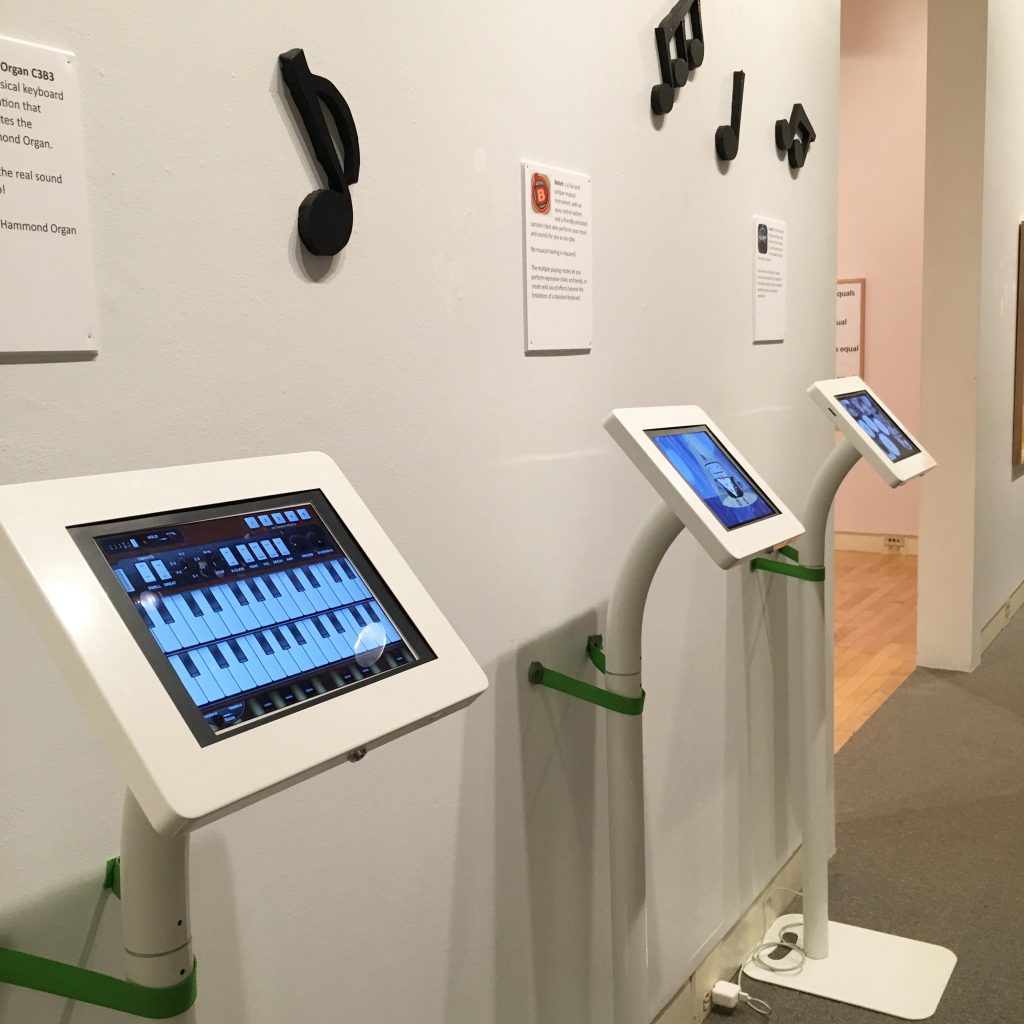
Like iPads, and think they could work in a public space? Check this video out! I recently saw a bunch of iPads at the Delta terminal at LaGuardia airport in New York, and took a short video of them. Here’s a link to some photos, too.

Basically, here’s what I saw – hundreds of iPads in the airport terminal gates, secured to tables with a cable. Each iPad had airport info, news, games, a restaurant menu, and web access apps installed. You could order items from the restaurant via a credit card swiper beside the iPad. No signup, no waiting list – just find an empty iPad and start using it. Here’s a couple of news articles written about this experiment.

The only real problem I saw was one of sorta gross smudges on the iPads. Thankfully, I also saw someone walking around, cleaning the screens.

iPads in the airportI think this type of setup could easily work in a library setting! Here are some starter thoughts on potential uses:

  • catalog-only computers
  • computer “overflow” – get out the iPads!
  • Simple browsing stations. Who needs PCs?
  • Complete mobile technology in the library – no PCs needed (with those handy self-service tablet checkout machines that were being shown in the exhibit hall at ALA Annual). Just check out an iPad, then take it wherever you want to in the library.
  • Out-of-the-building events
  • For staff, they could work nicely as roving reference tools.

Question – how does your library use iPads or mobile tablet technology? I’ll start: so far, we have some iPads that staff can check out for a learning opportunity, we have experimented with them for roving reference, and we teach a class on using an iPad. How about you?

10 comments

Playing with the ProJive XLR iPhone Cable

by David Lee King on May 15, 2012

I just bought the ProJive XLR mic cable for my iPhone. What’s it do? It’s an XLR to headphone jack cable adapter, and it’s made to plug a normal XLR microphone into an iPhone.

This lets me use my better-quality microphones (well, better than the built-in iPhone mic, anyway) for recording. It works with any audio app (like the voice recorder) or with video apps, too.

So – check out the video above, and listen to the sound. Not bad for an iPhone video, huh? Also listen for the unmistakable cell phone interference – that “beep beep beep” noise that you sometimes hear when a cell phone is close to some speakers. I’ll have to experiment more – if that interference happens a lot, the cable isn’t going to be all that helpful.

But we’ll see. Until then, I can now get quality audio in my iPhone videos effortlessly. Sweet!

4 comments

Web Design Trends for 2012

by David Lee King on April 30, 2012

I’ve been working on some large writing projects this year, and in the process, came across some great lists of web design trends for 2012 that I thought I’d share. Let me know if you are incorporating any of these into your websites!

Web design trends for 2012

Web Design Trends in 2012

  • Responsive Web Design
  • Fixed-Position Navigation
  • Circles
  • Big Vector Art
  • Multi-Column Menus
  • jQuery/CSS3/HTML5 Animation
  • Ribbons & Banner Graphics
  • Custom Font Faces
  • Infographics
  • Focus on Simplicity

15 Web Design Trends to Watch Out For in 2012

  • Responsive Interface Design
  • Touchscreen Mobile Devices
  • Tons of Freebies!
  • HTML5 & CSS3 Standards
  • Ribbons and Banners
  • Premium WordPress Themes
  • Online Magazines
  • Easy Drop Shadows
  • Dynamic Typography
  • Image Gallery Slideshows
  • Modal Popup Boxes
  • Inspirational Lists
  • Generated Image Thumbnails
  • Oversized Icons
  • Exaggerated Hyperlinks

Web Design Trends for 2012

  • Oversized Logos/Headers
  • Sketch/Hand-drawn Design
  • Slab Typefaces
  • Typography
  • One Page Layouts
  • Huge Images
  • Change of Perspective
  • Interactive/Intuitive Design
  • Modal Boxes
  • Minimalism
  • Oversized Footer
  • Retro
  • Intro Boxes
  • Magazine Layouts

Top Website Design Trends for 2012

  • HTML5, CSS3 and JQUERY
  • Mobile Compatibility and Responsive Layouts
  • Typographic Layouts
  • The Grid
  • Large Background Images
  • Perceived Affordance and Metaphoric Design
  • Social Media Integration
  • Illustration
  • Single Page Websites
  • Parallax
  • Elegant Modal Boxes

15 Top Web Design and Development Trends for 2012

  • Progressive enhancement
  • Responsive design
  • Flash will survive
  • Native support for plug-in features
  • Appification takes hold
  • Web app fragmentation
  • Mobile gets bigger
  • A device explosion
  • Respect beyond aesthetics
  • social battles heat up
  • Growth of the two-screen model
  • Distributed workforces
  • Stronger customer service
  • Better value, not lower prices
  • Pushing the boundaries

The State of Web Design Trends: 2012 Annual Edition

  • Responsive Web Design
  • Grid Systems
  • Typography
  • Technology Pushing Art
  • Scrolling, Vertical Narratives
  • Like it’s 1983
  • Modular Interfaces

So – get busy and start designing like it’s 2012!

image by Mike Licht

3 comments